
01
Make room for rest.
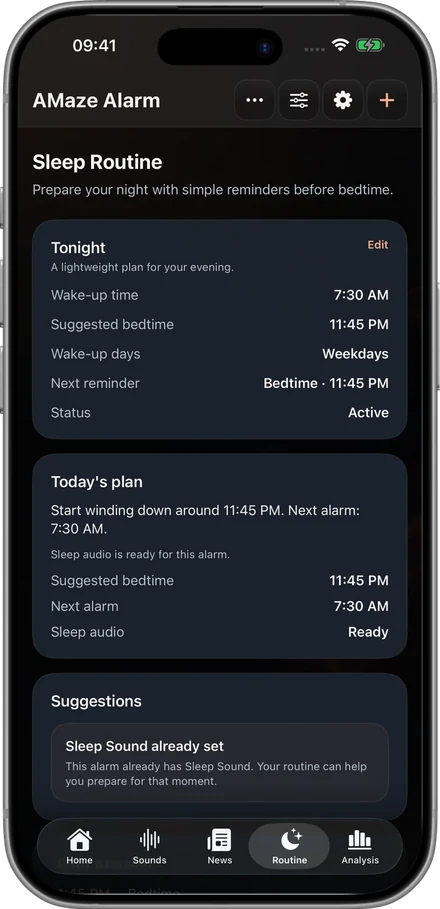
Set a bedtime routine around your wake-up time.
YOUR NIGHT. YOUR MORNING.
A challenge alarm for your mornings, with sleep sounds and routines for the night before.
Free download · Optional in-app purchases
For iPhone and Apple Watch
01 / THE FIRST MOVE
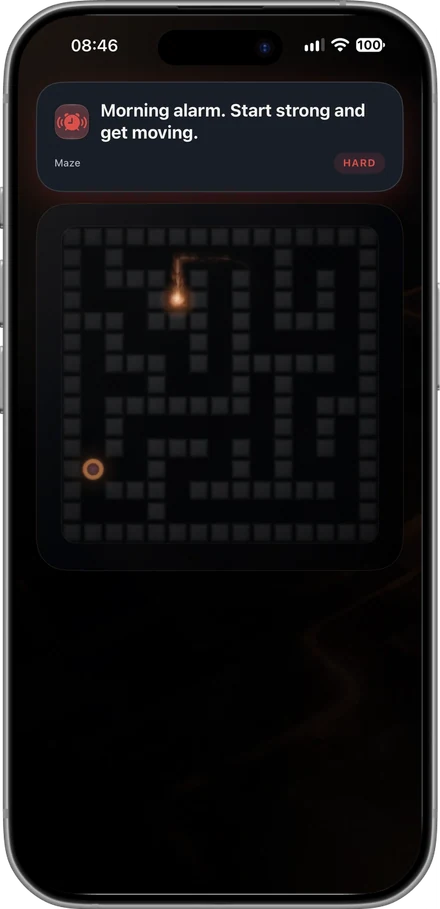
When one tap is too easy, choose a challenge. Find your way through a maze, get moving or put your mind to work before stopping the alarm.
Maze, Tilt Maze and Fog Maze.
Continuous Walk uses real step tracking.
Math, words and a Language Quiz.
02 / THE NIGHT BEFORE
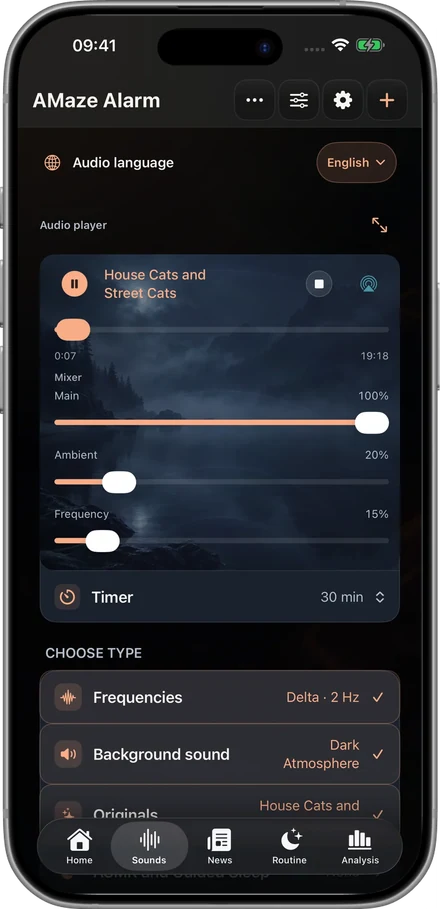
A story, a little atmosphere, your own balance. Build a sleep mix with separate controls for main audio, ambience and frequency.
Originals, podcasts, books and more.
A background sound to set the scene.
An optional layer, at your own volume.
Choose supported audio to download for offline listening. Availability varies by content and provider.
03 / A ROUTINE THAT CONNECTS
Prepare for bedtime, choose the alarm and ease into the morning. Each part has its place.
See how it comes togetherSet a bedtime routine around your wake-up time.
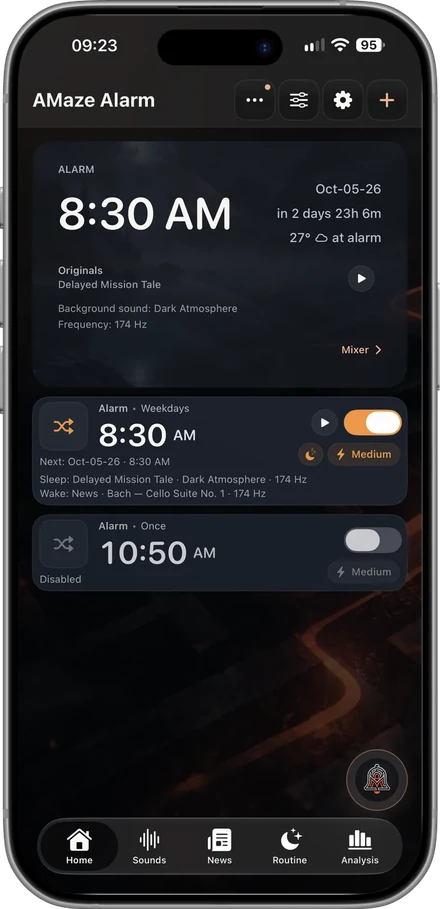
Choose days, specific dates, sounds and difficulty.
Read your morning news briefing. Or listen.
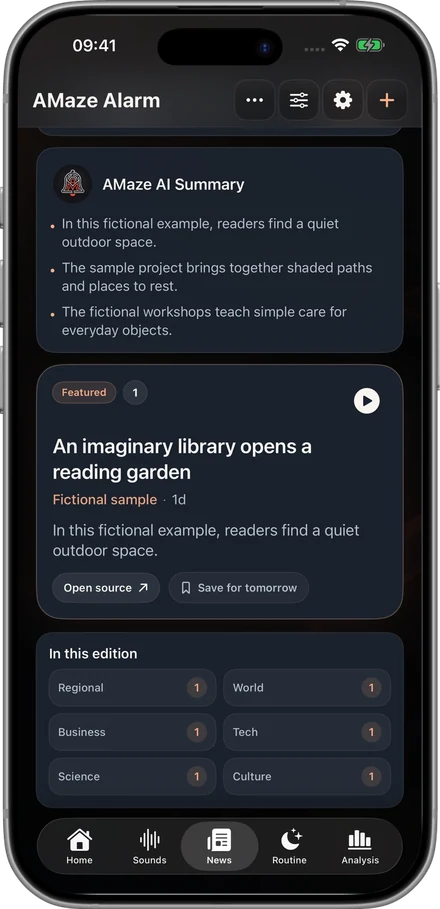
Screens show example content. Features and content depend on device, permissions and availability.
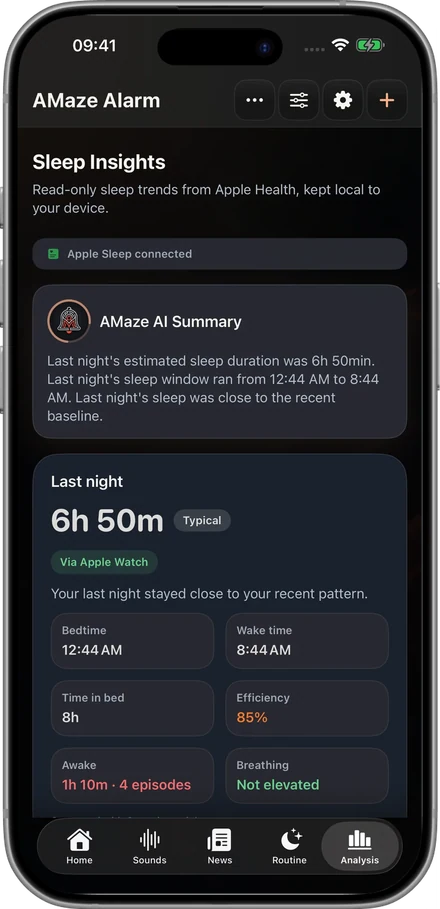
A LITTLE PERSPECTIVE
Sleep Insights brings your available sleep context into one view. Connect Apple Health if you choose, and see patterns that can help you reflect on your routine.
Health and Apple Watch data are optional. Insights are for personal context, not medical advice. AI features depend on compatible devices, Apple Intelligence, language and sufficient information.
PERSONAL BY DESIGN
No account to create. No developer tracking. Your personal app data stays off developer servers.
Read our privacy policyYes. AMaze is free to download. Optional Premium purchases unlock additional content and features. Available plans and local prices are shown in the app before purchase.
No. You can use AMaze on iPhone. Apple Watch and Apple Health can add context when supported and when you grant permission.
Yes. Select No Challenge when setting your alarm. You can also choose a challenge and difficulty to suit each alarm.
Supported podcasts, books, Originals, ASMR and guided sleep content can be downloaded in the app. Not every source supports downloads; news and other online content need a connection.
Review your alarm time, repeat days, sound and permissions. Alarm Health in Settings helps you check scheduling and audio readiness. Follow the guidance shown for your device and iOS version.
AMAZE ALARM
Start with an alarm. Shape the night around it.

Free download · Optional in-app purchases